The platform
One platform to manage site-specific safety training.
Assign courses, confirm practical competence, manage contractors and report compliance across every site-with automated reminders, renewals and an audit trail behind every completion.
Product overview
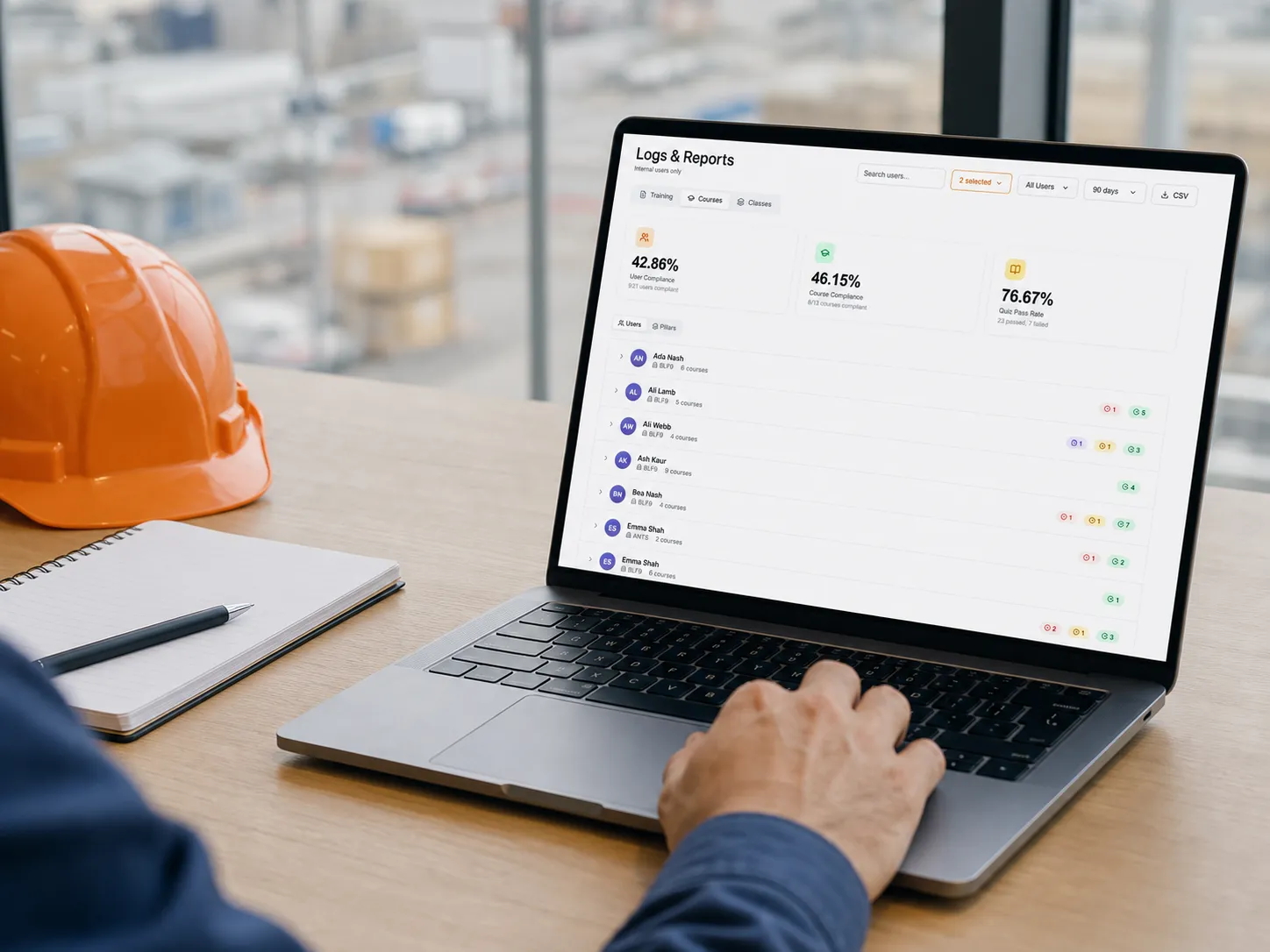
One view of the whole organisation.
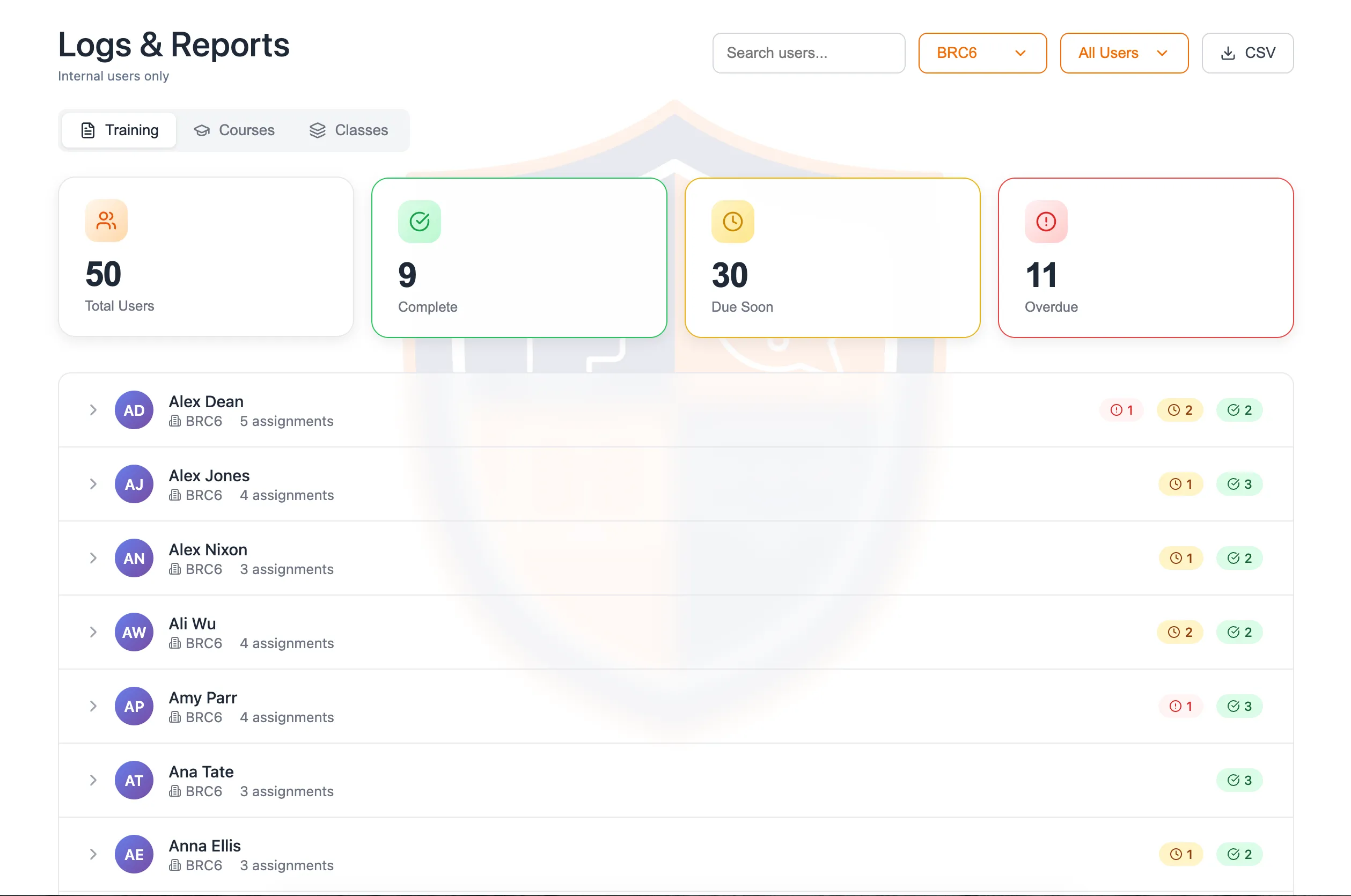
Completion and overdue status, filtered by site, person, course or class.
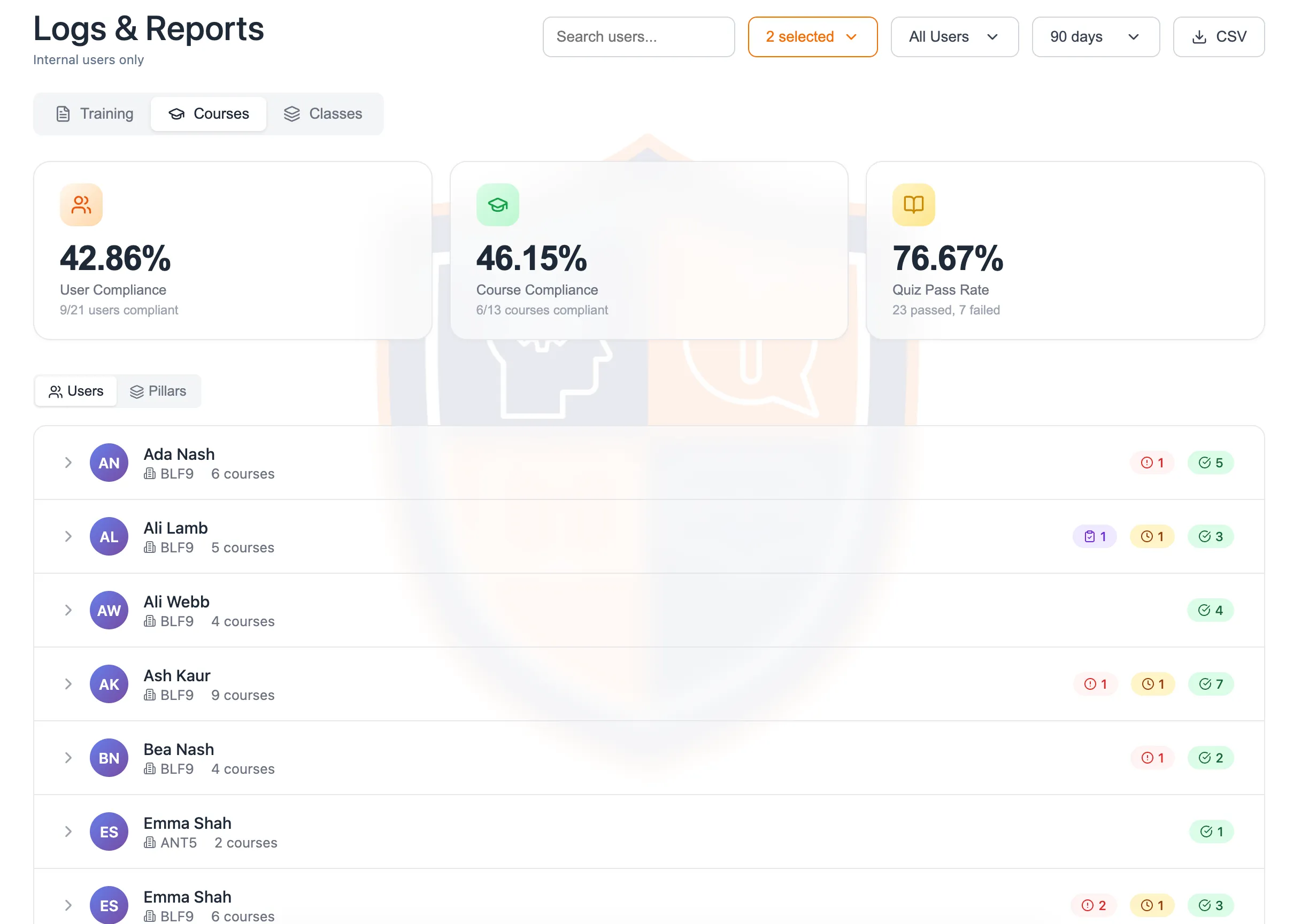
- 1Live compliance across users, courses and quizzes
- 2Filter by group and date range, then export to CSV
- 3Every person tagged to their site
- 4Overdue and pending flagged per person
Role outcomes
Everyone gets the view they need.
- For management
- See compliance across every site and export audit data.
- For site managers
- Assign training, manage contractors and complete practical sign-off.
- For workers and contractors
- Complete the right training and access current certificates.
Compliance across the organisation
See compliance across the organisation.
Completion and overdue status by site, person, course or programme, with CSV export and an audit trail behind every attempt and completion.
- Group several sites for roll-up reporting.
- Export to CSV for audit.
Contractor compliance
Train contractors before arrival.
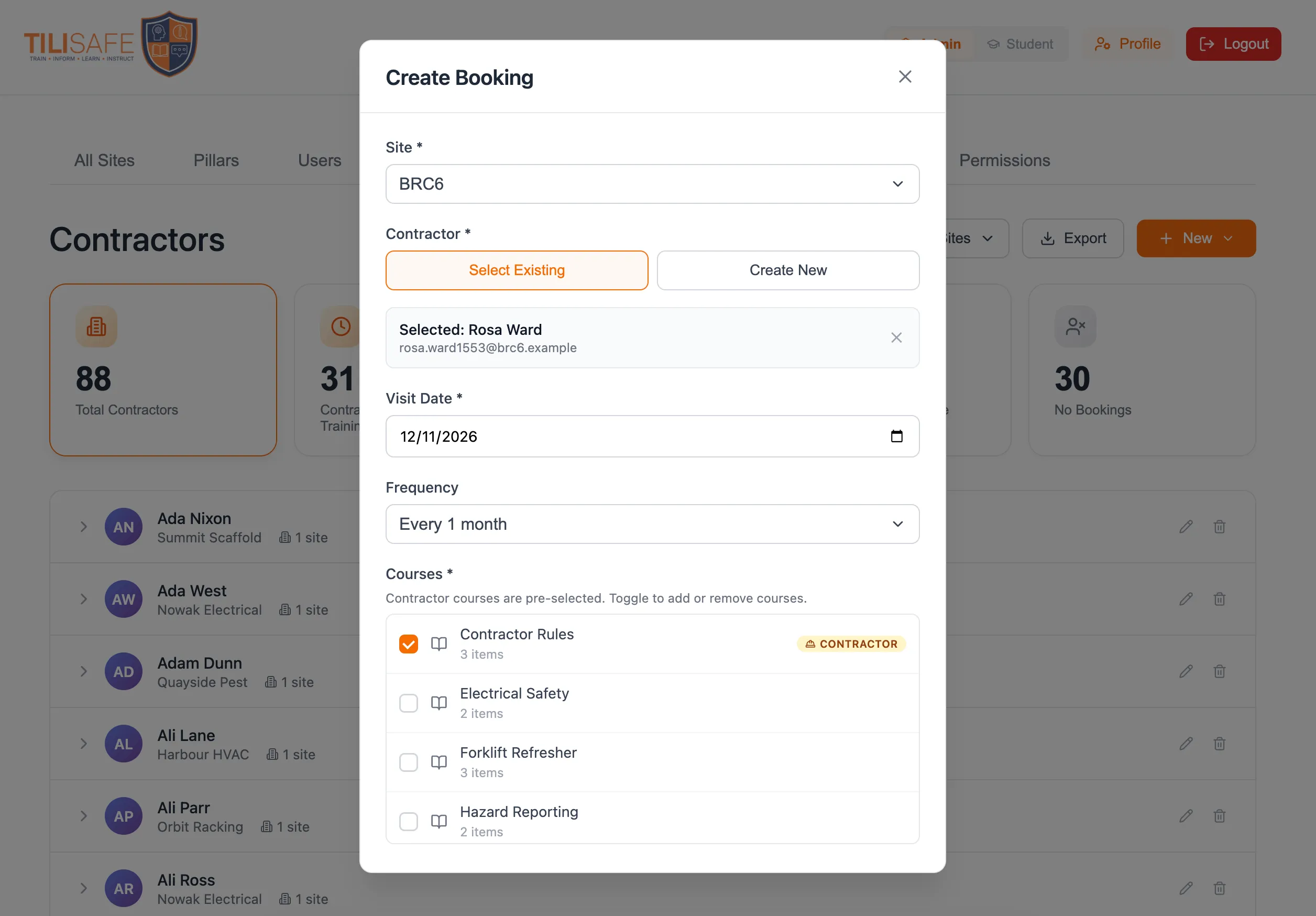
A contractor is booked against a site and a visit date with the training that visit requires, and gets access to complete it before they turn up.
- Welcome emails and reminders send themselves.
- A booking can auto-renew for the next visit.
Practical sign-off
Verify practical competence.
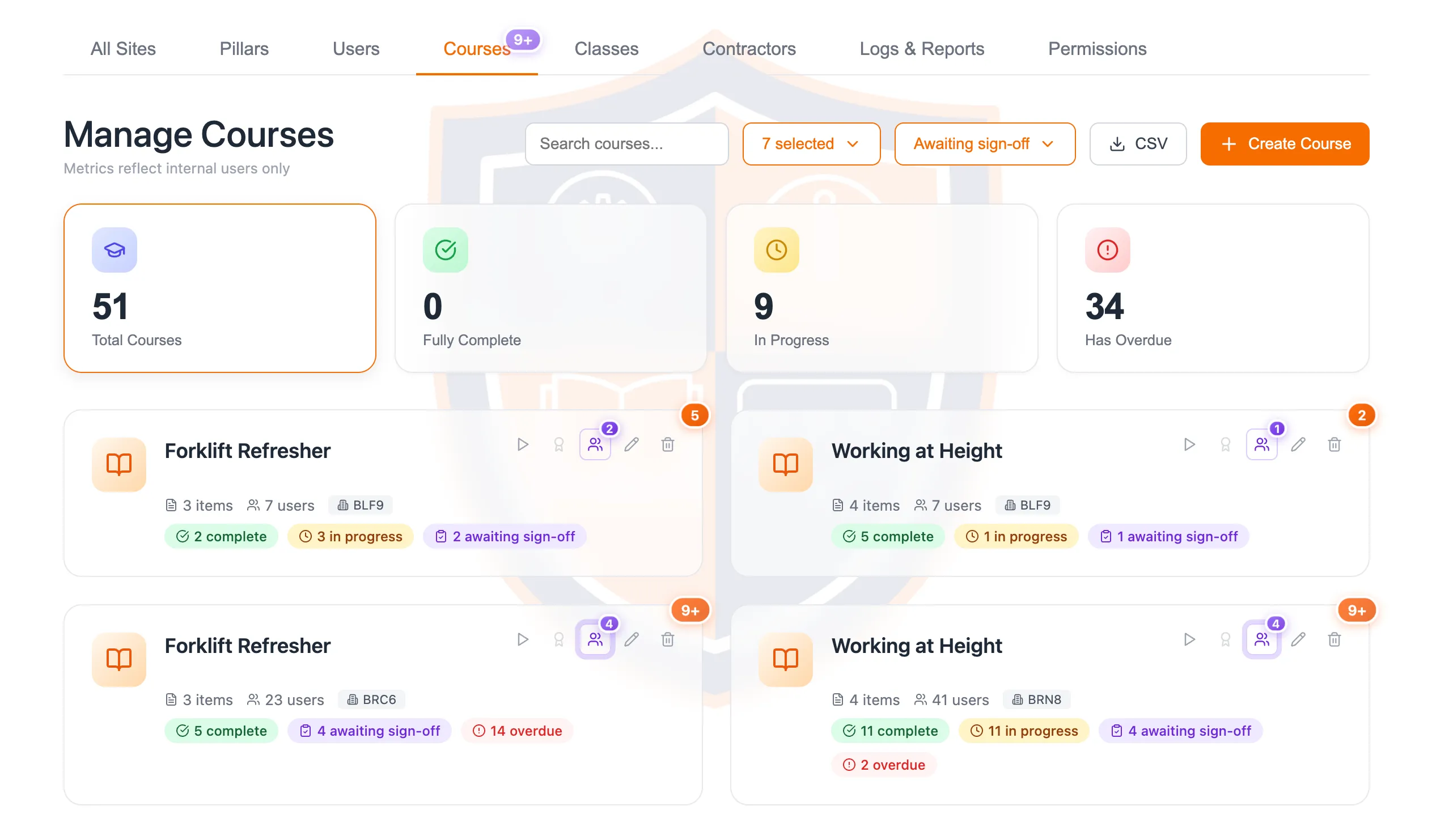
A course can require a supervisor to physically verify a hands-on assessment before it counts as complete.
The rest of the platform
Everything else it does.
- Course and content model
- A course is one topic with a question set, a pass mark and retakes. A class bundles several courses under a single due date. Your own PDFs and videos sit alongside the courses we film.
- Automated expiry and renewal
- Training that must be renewed recurs on its own, with an expiry and a renewal window, generating exactly one certificate per cycle.
- Kiosk mode at the point of work
- A shared-device mode for wall-mounted shop-floor screens. Video is transcoded to adaptive bitrate, so it plays on low-power screens and patchy Wi-Fi.
- Branded certificates and portal
- Each site gets its own logo, colours and welcome text. Certificates carry the site name and the footer 'Powered by Tili Safe'.
Roles & permissions
Four kinds of user.
Each governed by granular permissions you can adjust.
- Site admin
- Runs one site: assigns training, signs off practicals, pulls reports.
- Worker
- Completes assigned courses and classes, and downloads their own certificates.
- Contractor
- Booked against a site and visit date, with training to finish before arrival.
- Kiosk
- A shared shop-floor device. No personal login on the device itself.
Security, data and support
Every action is recorded.
Role-based access with configurable permissions, and a full audit trail of attempts, completions and practical sign-offs. Every customer gets a named contact for onboarding and support.
See it running against your own sites.
A walkthrough covers assignment, completion, certification and the reports your auditor will ask for.